Lenovo T2 Earphones Wireless Bluetooth AI Earphones Realtime Language Translation 144 Languages Ear Hanging Headphone Translator


Lenovo T2 Earphones Wireless Bluetooth AI Earphones Realtime Language Translation 144 Languages Ear Hanging Headphone Translator
SPECIFICATIONS
Active Noise-Cancellation: Yes
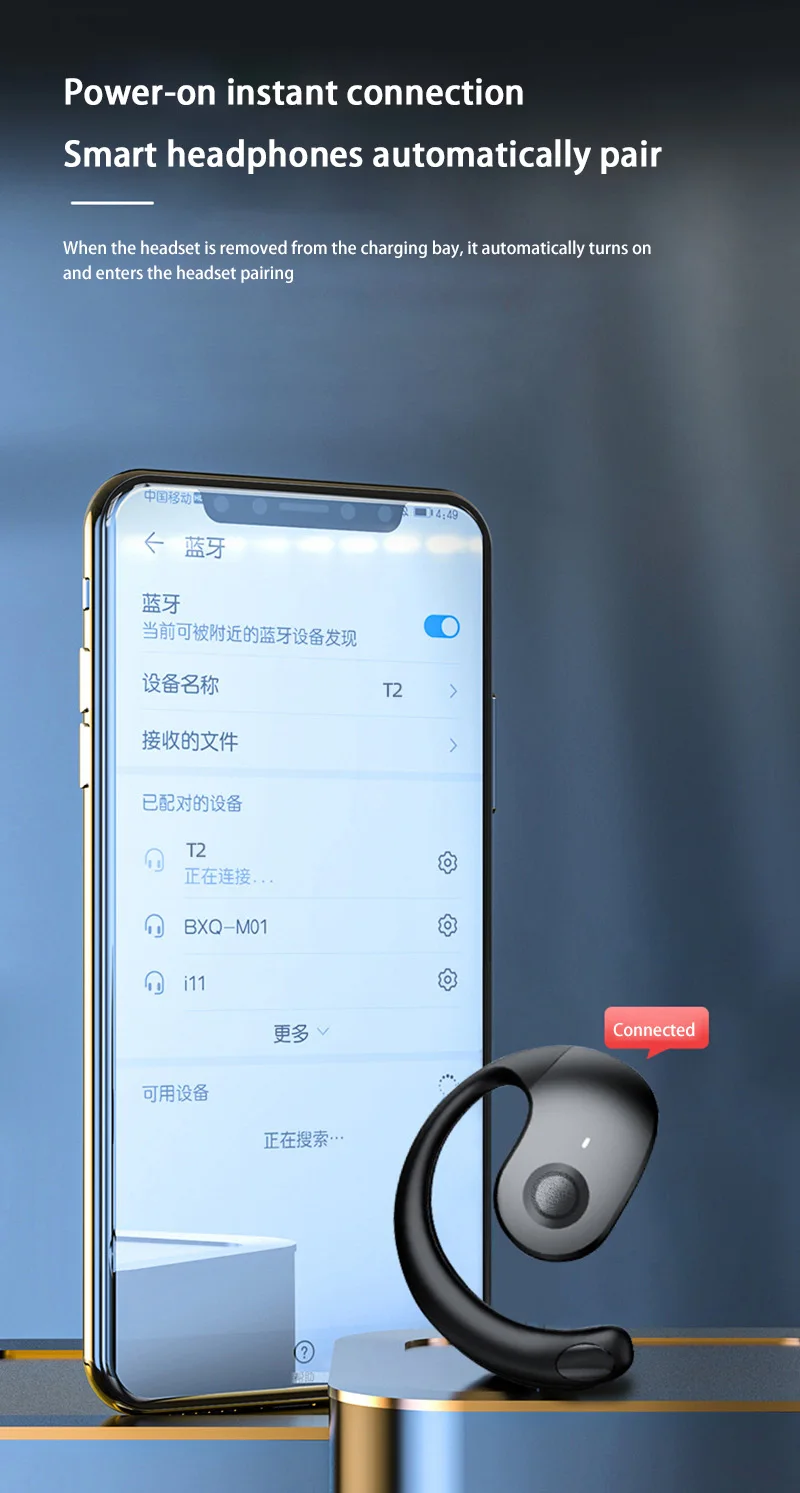
Bluetooth Version: 5.3
Brand Name: Lenovo
Category: Earphones & Headphones
Certification: CE
Charging Method: cable
Choice: yes
Communication: WireLess
Connectors: Type c
Control Button: Yes
High-concerned chemical: None
Impedance Range: up to 32 Ω
Is wireless: Yes
Material: Plastic
NFC Technology: no
Origin: Mainland China
Sound Isolating: Yes
Style: Tws in-ear headphones
Vocalism Principle: Balanced Armature
Volume Control: No
Waterproof: No
Wireless Type: Bluetooth
semi_Choice: yes
Lenovo T2 Earphones Wireless Bluetooth AI Earphones Realtime Language Translation 144 Languages Ear Hanging Headphone Translator
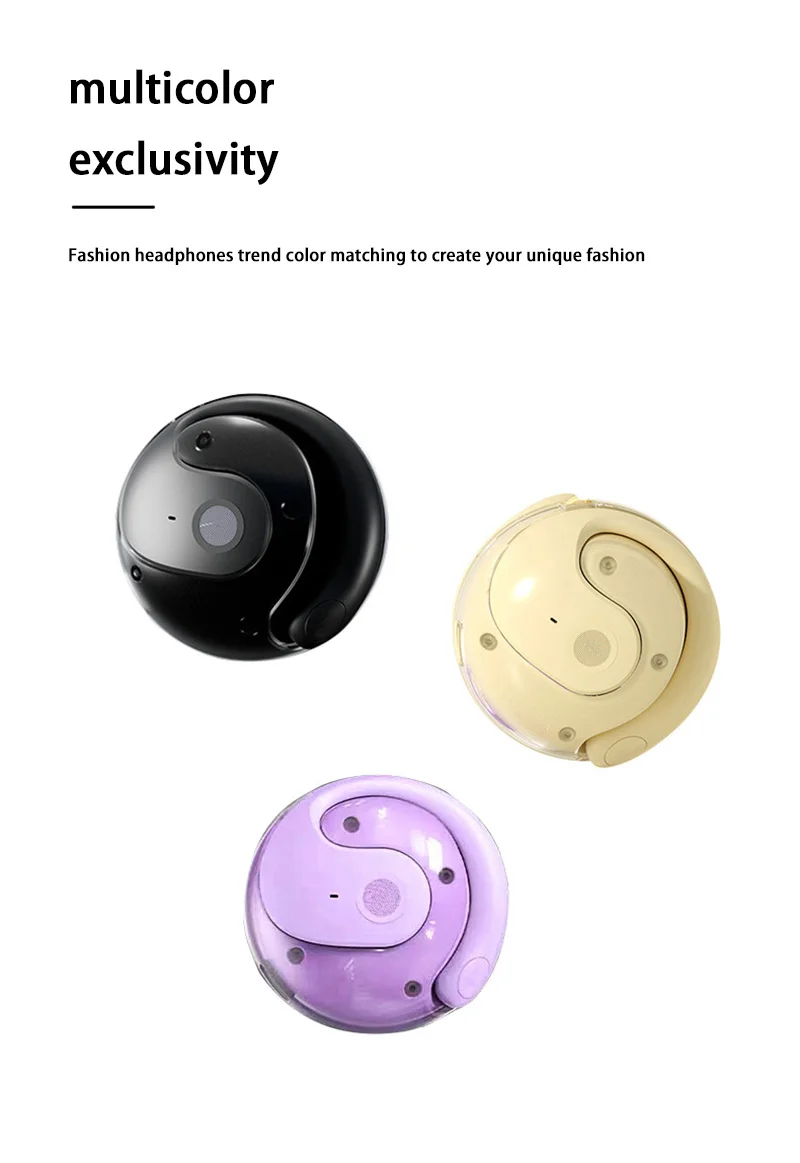
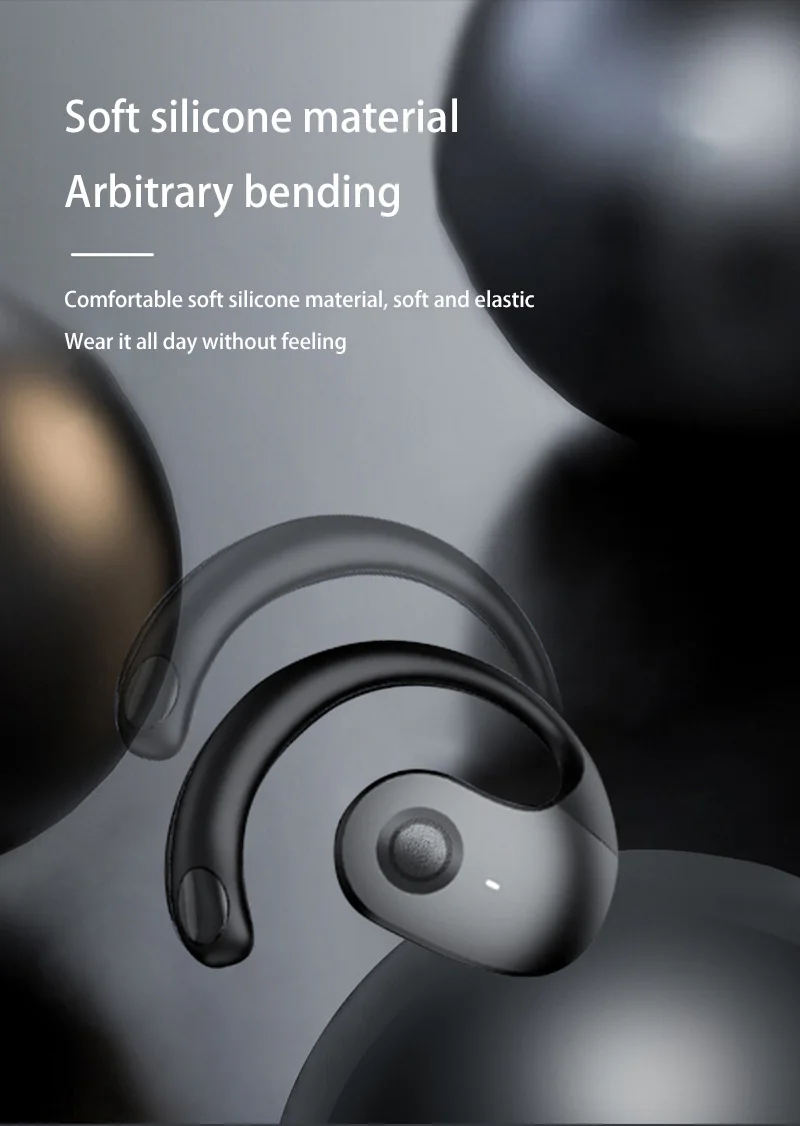
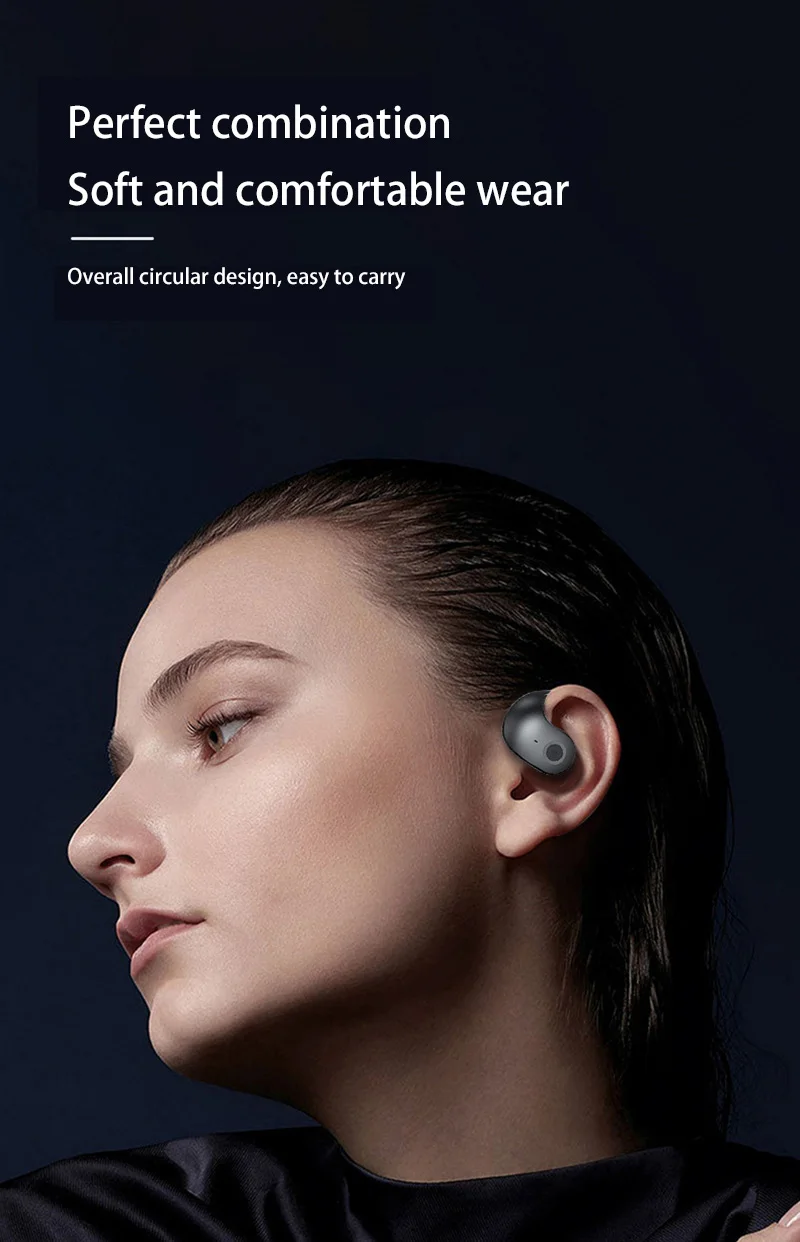
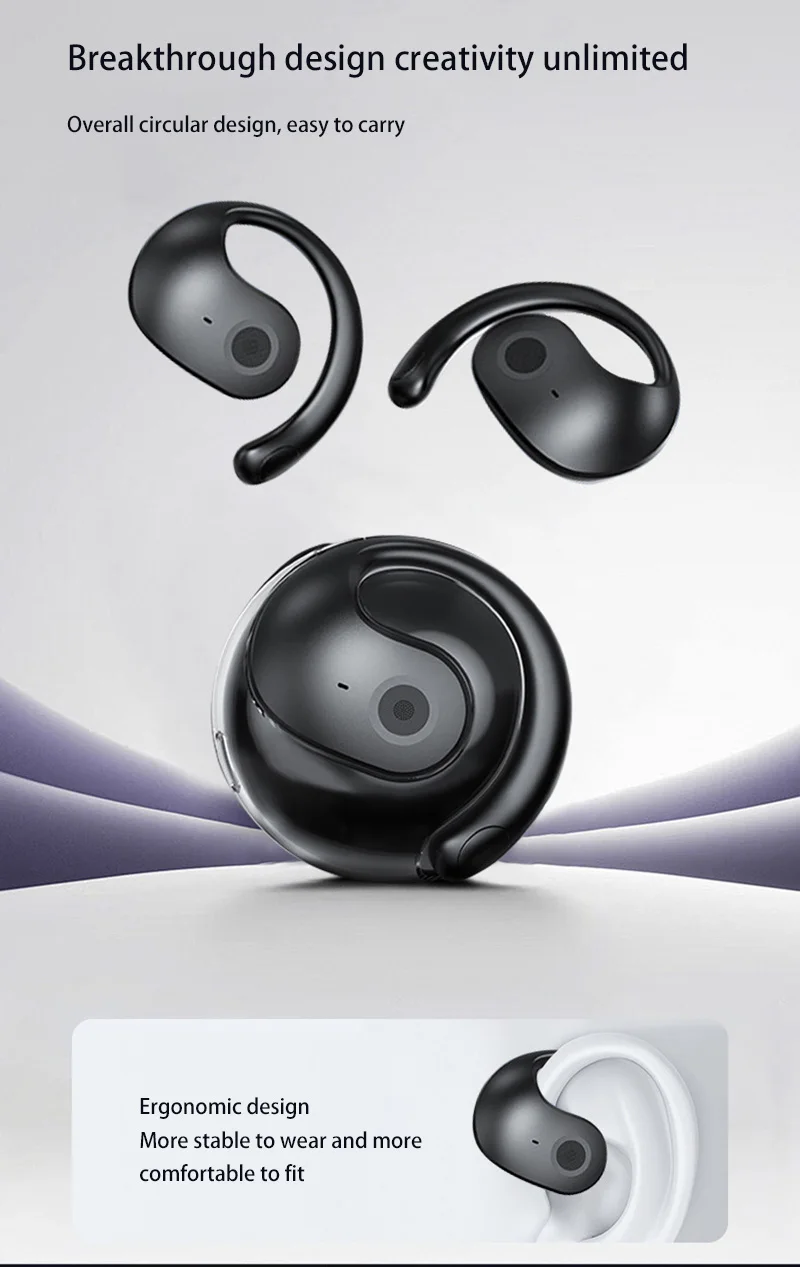
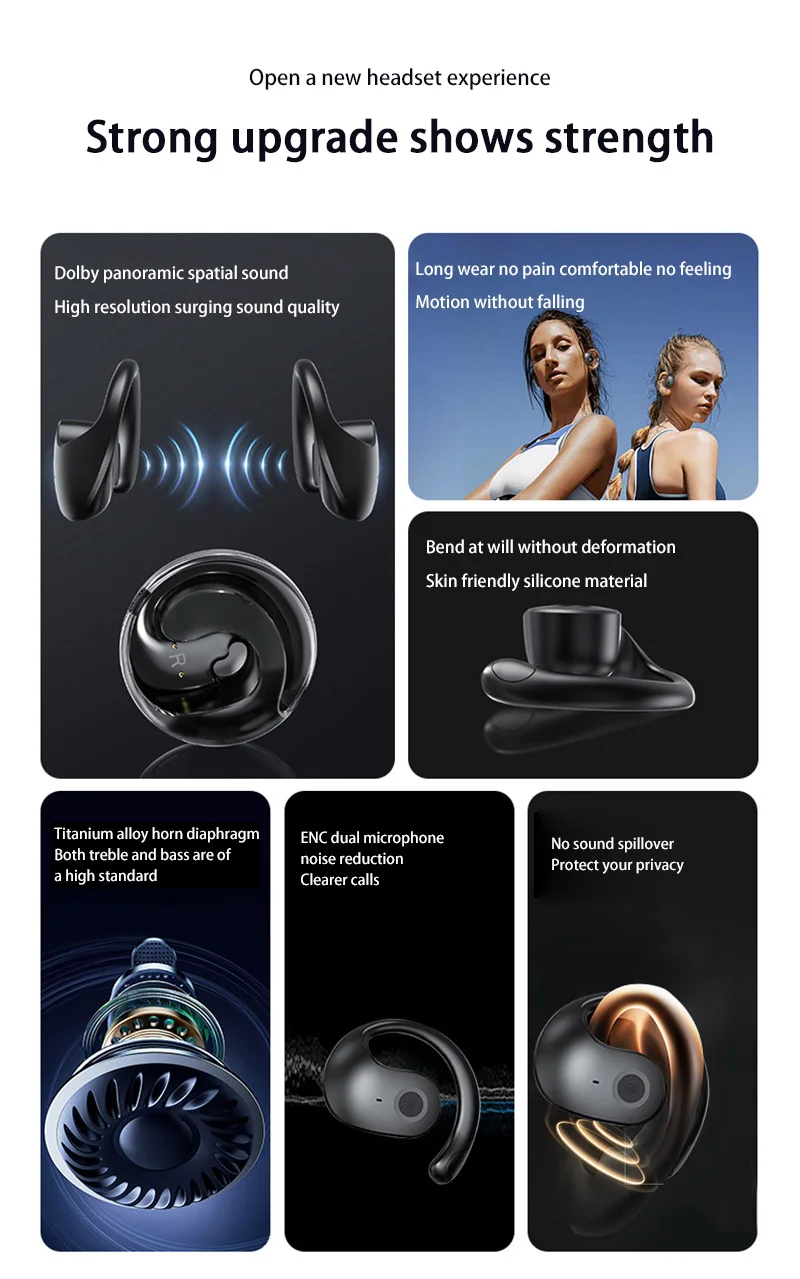
The small coconut Bluetooth headset usually adopts a unique design similar to the small coconut, adding a touch of fashion and personality to the device.
Product specifications:
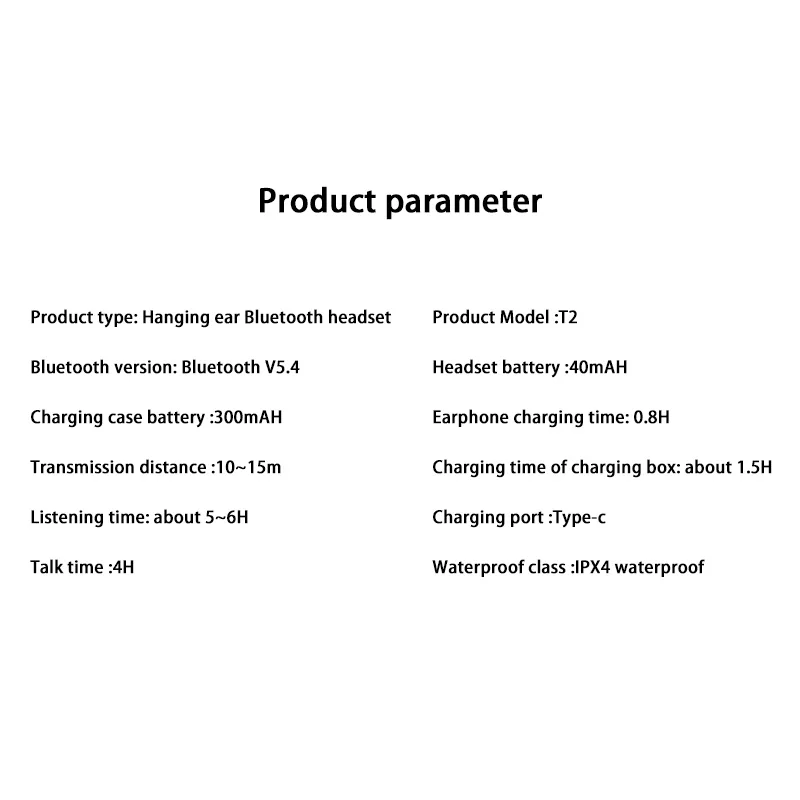
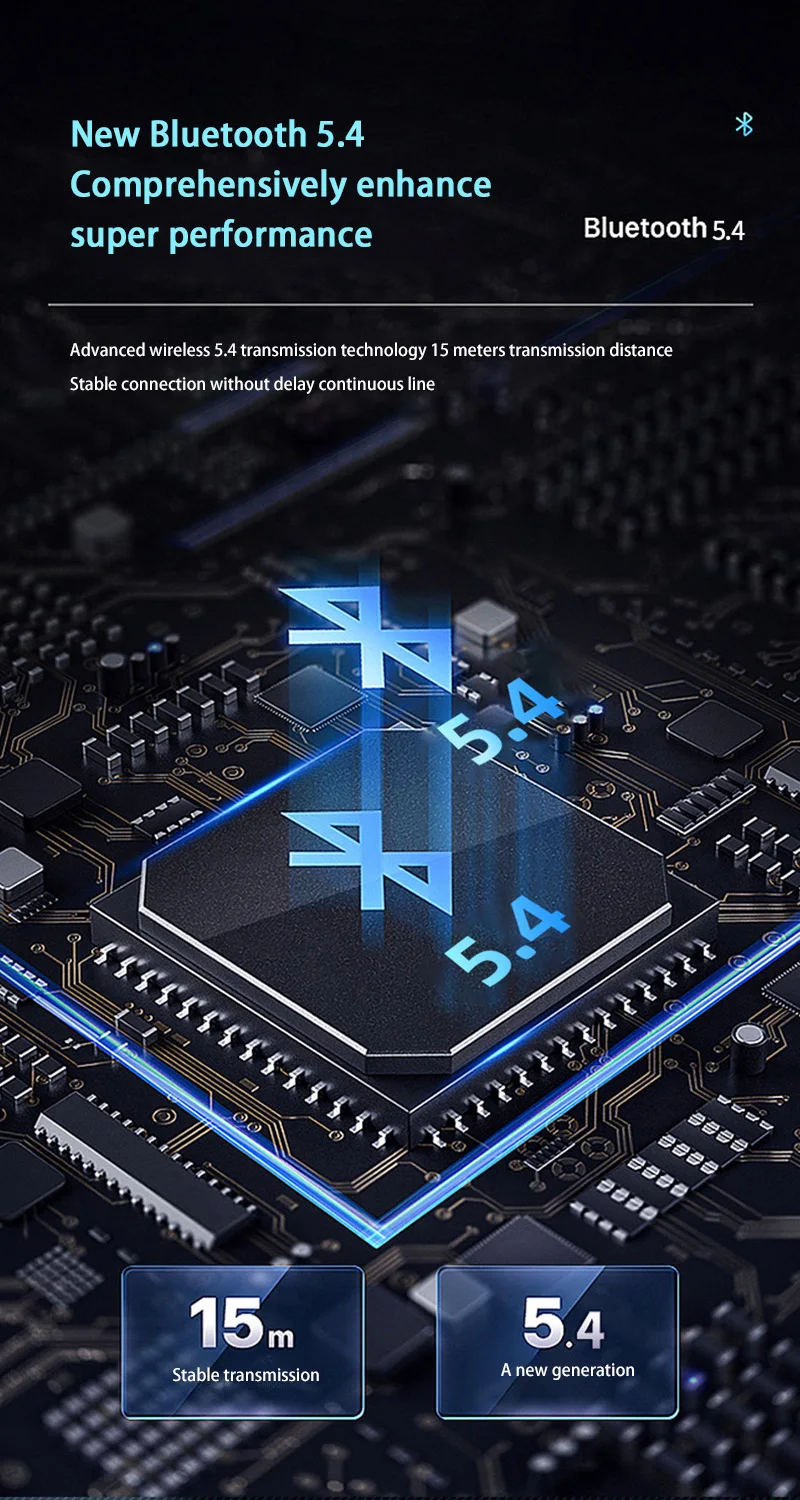
BT version: BT5.4
Charging interface: Type-c
Operation mode: touch
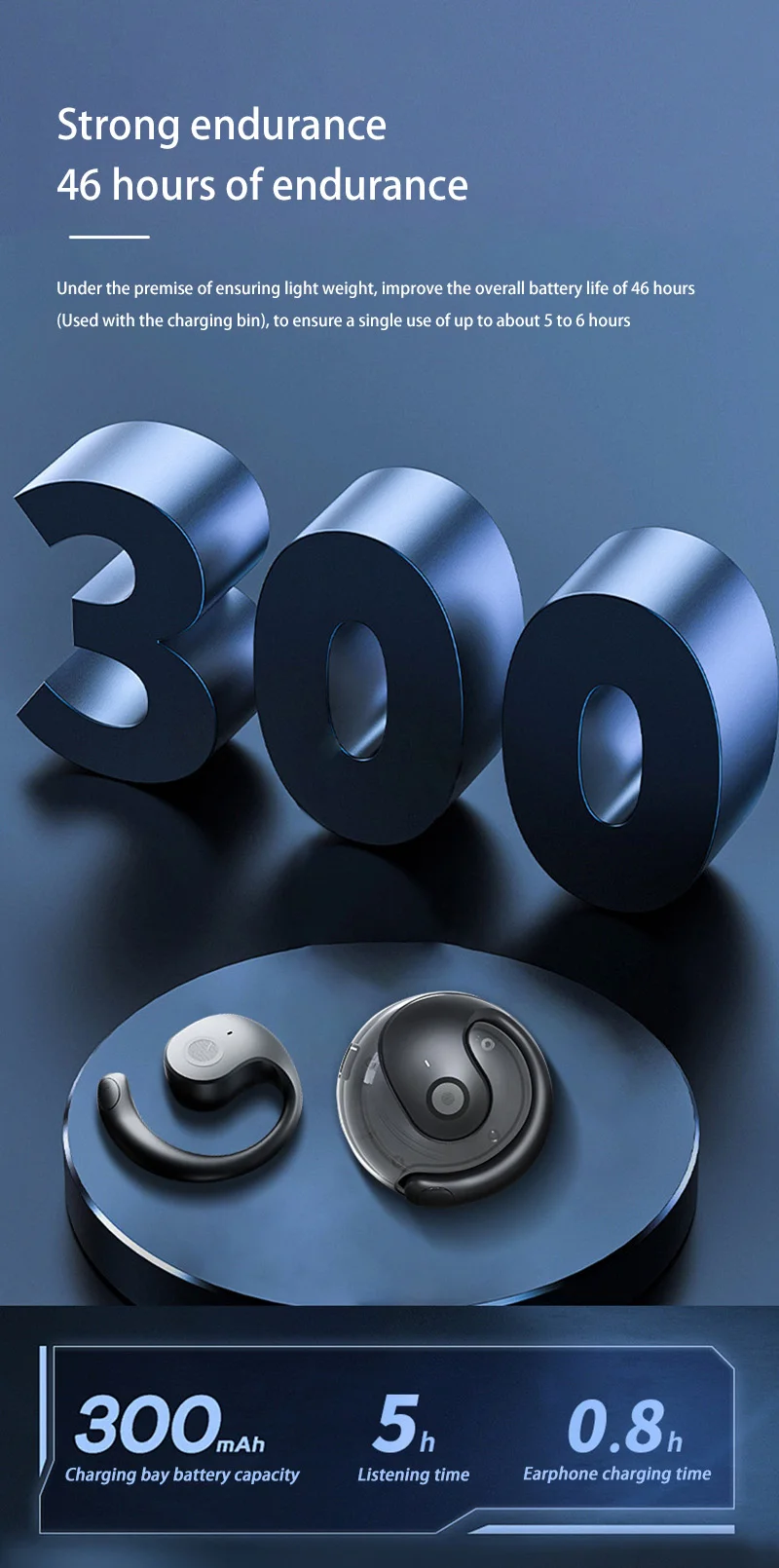
Charging time: 1.5 hours
Service life: 36H
Color: Black,White,Khaki, Purple
Weight: 60g
Communication distance: 10m (no obstacles)
Battery capacity (MAH): single headset * 30mAh
Package includes:
1pcs *28 headset wireless Bluetooth
How to use?
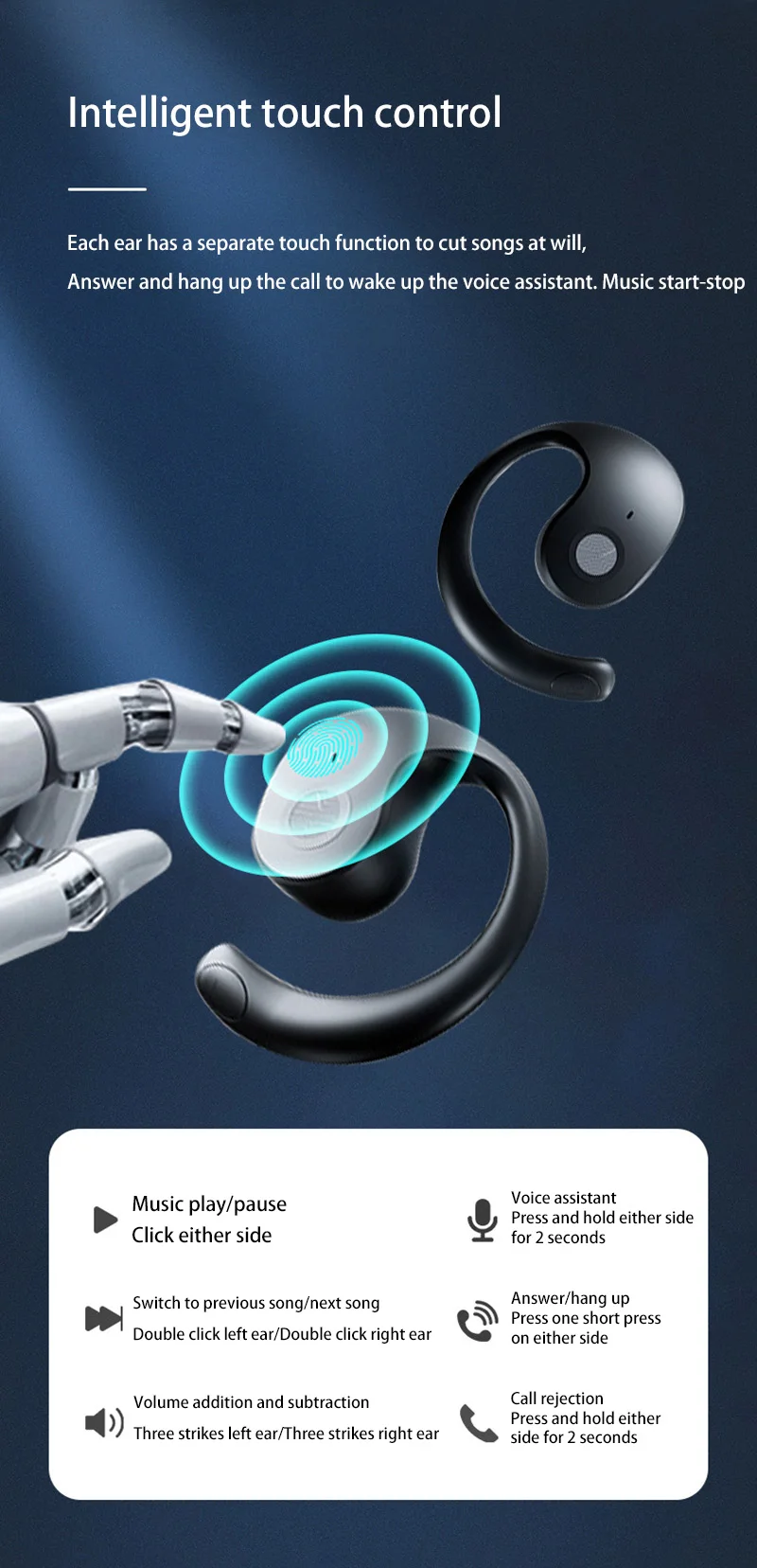
1. Single click the headset: turn off/on music
2. Double click the left/right headset: previous/next song
3. Triple click the left/right headset: lower/increase the volume
4. Single click the headset when there is an incoming call: answer the call
5. Press and hold the headset for 2 seconds when there is an incoming call: reject the call
6. Long press the headset touch area for more than 3 seconds: turn on the voice assistant
Note:
If you have any questions, please feel free to contact us, we will provide you with the most satisfactory solution within 24 hours.